
Support
Reach a human.
For the things only we can see: what our edge received, why a call failed, and what a route did with your traffic.
Open a ticket
Tell us what happened.
What you were doing, what you expected, and what happened instead. Send those three and the first reply can be an answer rather than a question.
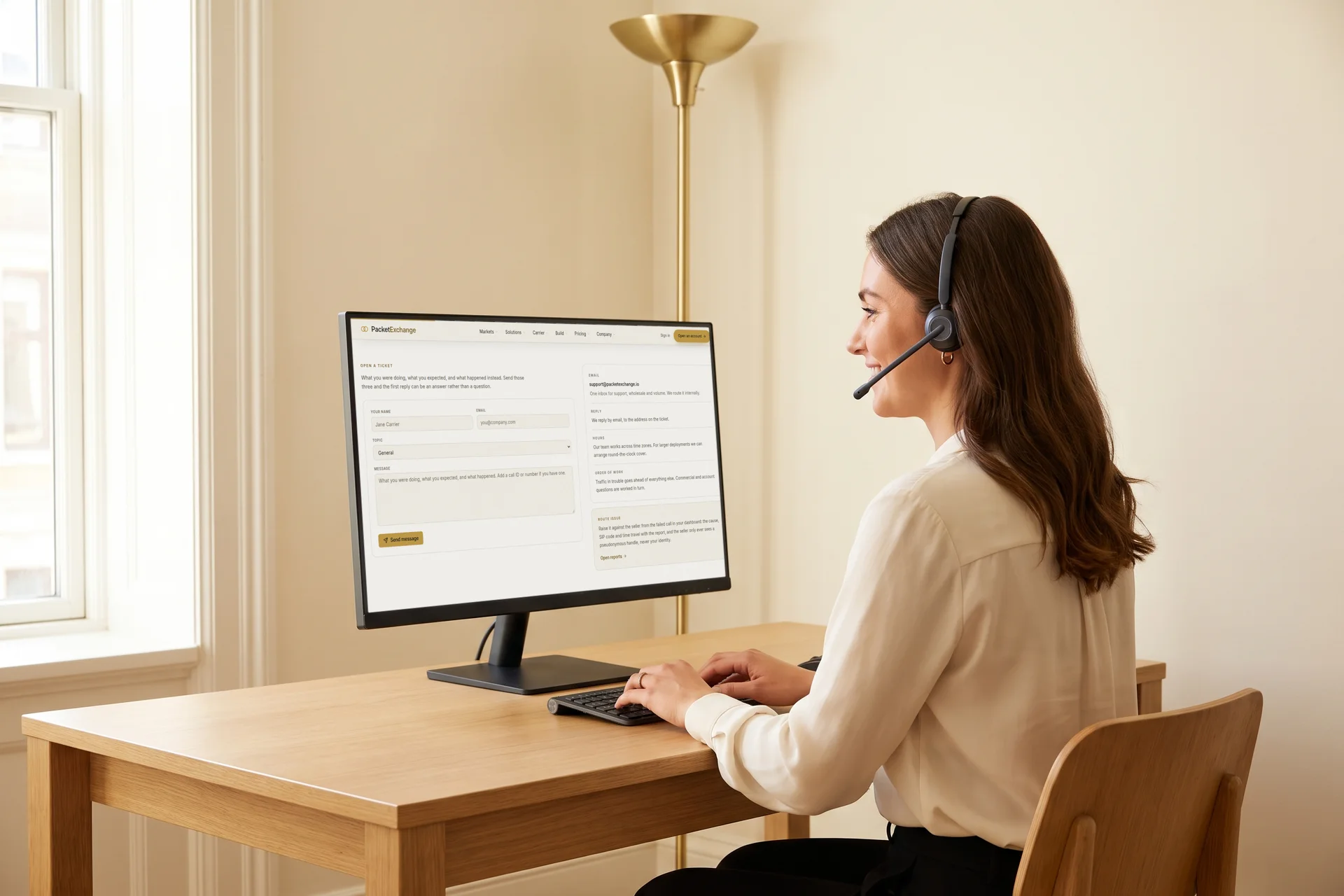
- support@packetexchange.ioOne inbox for support, wholesale and volume. The form and the address reach the same team, and we reply by email.
- Hours
- A global team across time zones. For larger deployments we arrange round-the-clock cover.
- Order of work
- Traffic in trouble goes ahead of everything else. Commercial and account questions are worked in turn.
- Is it us?
- Every service is probed each minute and published, with any open incident. Check platform status
- Route issue
- Raise it against the seller from the failed call in your dashboard. The cause, SIP code and time travel with the report, the seller sees only a pseudonymous handle, and when they mark it fixed the route is re-checked automatically. Open reports (sign in)
Troubleshooting
Before you open a ticket.
Four things worth checking first. Each has a specific symptom, so each is quick to rule out.
My digest authentication looks correct but keeps getting challenged. Why?Almost always the realm. Ours is always 5.9.65.215, on both addresses, never your own host.
- Realm
- Correct value
5.9.65.215 - Common mistakeUsing your own host, or changing it for the secondary address
- Username
- Correct valueBare value
- Common mistakeAppending
@domain - qop
- Correct valueOmit it
- Common mistakeSending
qop=auth, which we do not offer - REGISTER
- Correct valueNot required
- Common mistakeRegistering first; a trunk answers the challenge per call
A hash computed over any other realm cannot match. The symptom of a wrong realm is specific: a correct-looking response, challenged again.
My app sends all traffic from one IP. How do you know which customer a call belongs to?By the SIP username the call authenticates with, not by the caller ID.
- Attribution
- Correct setupThe SIP auth username on the call
- Common mistakeExpecting us to read the caller ID
- Per customer
- Correct setupA sub-account each, authenticated with its own SIP credentials
- Common mistakeSharing one set of credentials across customers
- Your softswitch
- Correct setupSet the SIP auth username and password per call, over one shared trunk
- Common mistakeSending every call under the trunk's own credentials
- Your IP whitelist
- Correct setupAsk us to remove your sending IP
- Common mistakeLeaving it in place: the IP match wins and every call bills your operator account
The whitelist is the one that surprises people. Moving to per-customer credentials is the moment that entry has to go, or the IP keeps winning.
Where do I get a sub-account's SIP password?Once, in the response that creates the sub-account. There is no way to read it back afterwards.
- At creation
- What you getThe SIP password and the API key, in the response
- What to knowWe generate it. You do not set it.
- Any time after
- What you getNothing
- What to knowIt cannot be read back later.
- If you lose it
- What you get
POST /application/sub-accounts/:id/sip-password - What to knowThe new one is returned once, and the old password stops working immediately.
Store it at the moment you create the sub-account, or plan on rotating it. Those are the only two options.
Why does a destination say “not served” when the route covers it?A rate deck can mark individual destinations as not served, and we refuse those calls rather than bill them.
A rate many times the deck average is a refusal in disguise.
It usually means the carrier prices that destination punitively instead of actually carrying it. Refusing protects you from a misdial costing a hundred times what you expected.
To serve it, you need a carrier that actually covers it.
How the platform works is answered in the help centre.
How listing, buying, billing and settlement work is answered in the help centre, and every endpoint is in the API reference.